
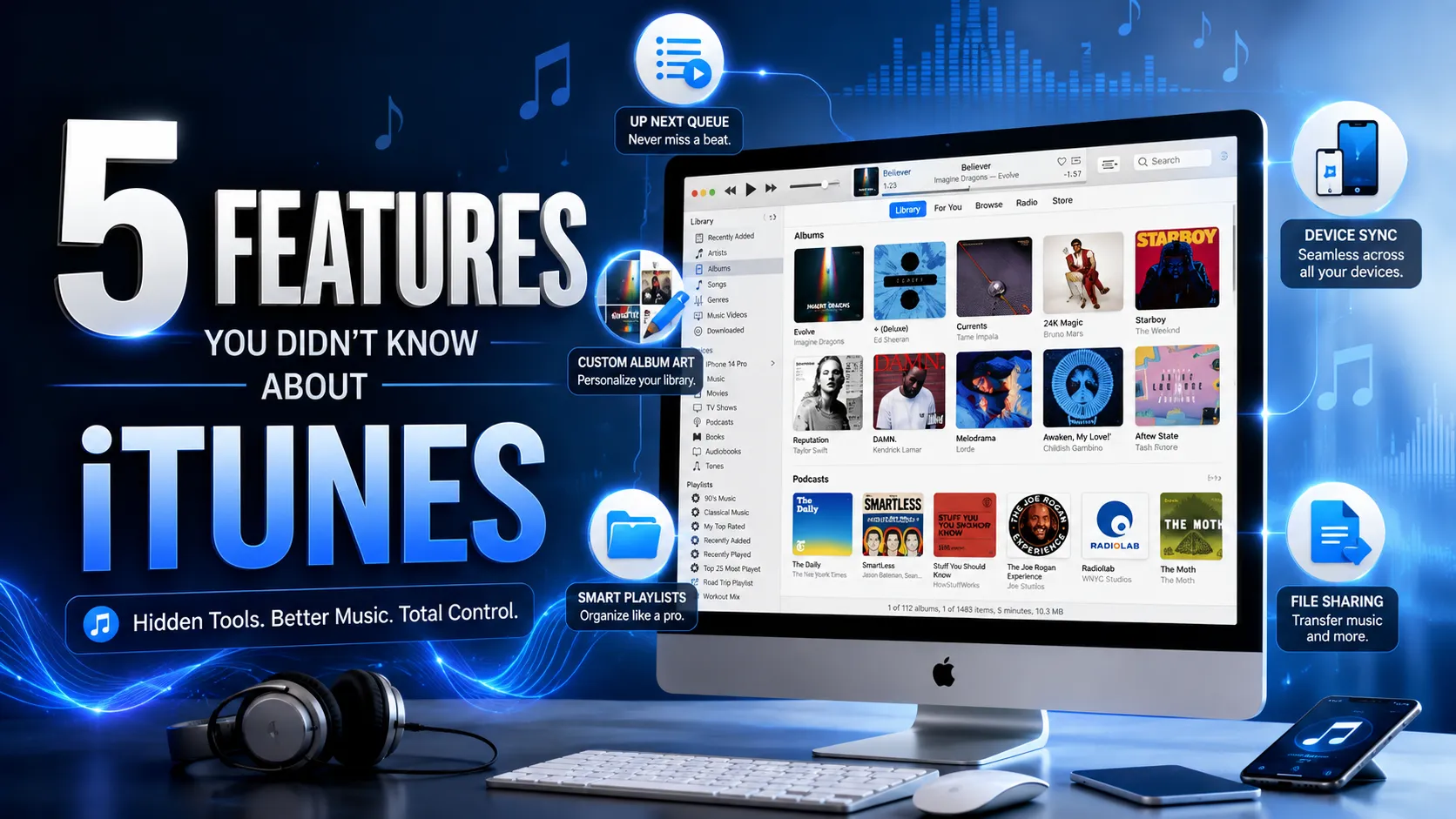
For many years, iTunes was one of the most popular media management applications in the world. Developed by Apple, it served as a complete solution for organizing music, videos, podcasts, audiobooks, and mobile devices. While streaming platforms have changed how people consume media today, iTunes remains an important part of Apple’s digital history and is still widely used on Windows computers.
Most people remember iTunes as a simple music player used to sync songs with an iPhone or iPod. However, the software offered many powerful tools that often went unnoticed. Beyond playing music, iTunes included several hidden features designed to help users organize media, customize libraries, and improve their listening experience.
In this article, we’ll explore five lesser-known iTunes features that many users never discovered. Whether you’re a long-time Apple user or someone who still uses iTunes on Windows, these tips can help you get more out of the software.
Also Read : Top 10 Most Popular Video Games in the World
A Brief Look at iTunes
Before diving into the features, it’s worth understanding why iTunes became so influential.
Apple introduced iTunes in 2001 as a music management application. At the time, digital music was becoming increasingly popular, and users needed a simple way to organize their growing collections. iTunes quickly gained popularity because it combined music playback, library management, CD ripping, and purchasing songs from the iTunes Store in one place.
Over the years, Apple expanded iTunes to support:
- Movies and TV shows
- Podcasts
- Audiobooks
- App management
- Device backups
- Media synchronization
For many years, iTunes was the central hub for managing iPhones, iPads, and iPods. Although Apple eventually split its functionality into separate apps such as Apple Music, Apple TV, and Podcasts on macOS, iTunes continues to be available on Windows and remains useful for many users.
Now, let’s explore some powerful features you may have missed.
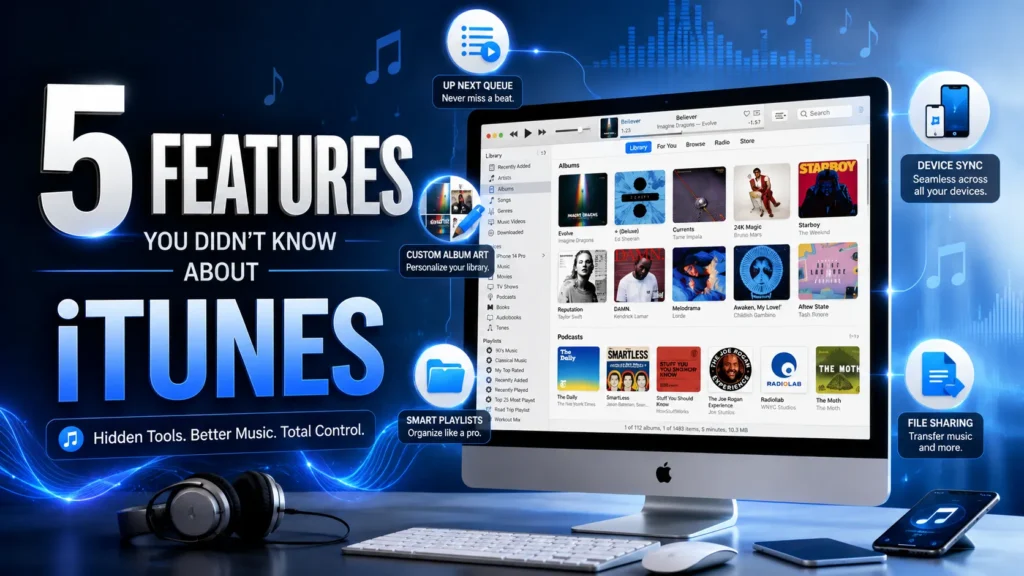
1. Up Next: The Easiest Way to Create a Temporary Playlist
One of the most useful yet underrated features in iTunes is Up Next. Most people are familiar with playlists and use them to organize songs according to different moods, genres, or activities. However, there are many situations where creating an entirely new playlist feels unnecessary. Sometimes you simply want to listen to a handful of songs without permanently saving them in a playlist.
This is exactly where Up Next becomes incredibly useful. The feature allows you to create a temporary queue of songs that will play after the current track finishes. Instead of creating a new playlist and giving it a name, you can simply browse your music library, select your favorite songs, and add them to the Up Next queue. The songs will then play in the order you selected.
Imagine you’re listening to a classic rock album and suddenly remember a few pop songs you’d like to hear afterward. Rather than interrupting your current listening session or spending time building a new playlist, you can add those tracks to Up Next within seconds. Once the current album ends, iTunes automatically begins playing the songs you queued.
The beauty of this feature lies in its simplicity. It gives users more flexibility and control over their music without cluttering their library with dozens of temporary playlists. For people who enjoy changing their music based on their mood, Up Next can completely transform the listening experience.
Many users never even realized this feature existed because it wasn’t heavily promoted by Apple. However, those who discovered it often found themselves using it every day.
2. The Hidden Power of the Comments Field
When organizing music in iTunes, most people focus on artist names, albums, genres, and song titles. While these categories are useful, there is another powerful organizational tool hidden inside the software that many users completely ignore: the Comments field.
At first glance, the Comments section appears insignificant. It is simply a small box where users can type notes about a song. Because of this, many people never bother using it. However, experienced users discovered that the Comments field could function as a personal tagging system that made searching large music libraries significantly easier.
For example, suppose you have thousands of songs stored in your iTunes library. Finding a specific track can sometimes be difficult, especially when songs belong to multiple moods or categories. By adding custom comments such as “Workout Music,” “Road Trip Favorites,” “Relaxing Evening Songs,” or “Party Tracks,” you create additional ways to search and organize your collection.
Years before streaming platforms introduced advanced recommendation systems and custom tags, many iTunes users relied on the Comments field to build their own personalized music management system. The feature provided flexibility that traditional categories could not offer.
Another advantage is that comments are completely customizable. You are not limited to predefined genres or labels. You can create your own organization method based on your listening habits and preferences. Whether you want to categorize songs by mood, occasion, energy level, or personal memories, the Comments section gives you complete freedom.
While it may seem like a small feature, it can save a tremendous amount of time for anyone managing a large music collection.
3. Customize Album Artwork for a Better Music Library
A well-organized music library isn’t only about song titles and playlists. Visual presentation matters as well. One of the most overlooked features in iTunes is the ability to add custom album artwork to songs and albums.
Album artwork helps users quickly identify music at a glance. When artwork is missing, a music library can look incomplete and unorganized. While iTunes automatically downloaded artwork for many albums, the process was not always perfect. Some albums displayed incorrect images, while others showed no artwork at all.
Fortunately, Apple gave users the option to replace or add artwork manually. This meant you could upload any image you wanted and use it as the cover for a song, album, or playlist. For music enthusiasts who spent years building carefully organized collections, this feature was incredibly valuable.
Custom artwork became especially useful for independent music, live recordings, rare albums, bootleg collections, and personal audio projects. If a song did not have official artwork available online, users could create their own visual identity for it.
Beyond functionality, custom artwork also improved the overall appearance of the library. Browsing through a collection filled with vibrant album covers simply feels more enjoyable than scrolling through rows of generic icons. For many music lovers, organizing artwork became a hobby in itself.
Although this feature is rarely discussed today, it remains one of the most creative customization options ever included in iTunes.
4. Organizing iPhone and iPad Apps from Your Computer
Modern smartphone users may not realize this, but there was a time when iTunes allowed users to manage iPhone and iPad applications directly from a computer. This feature proved incredibly useful, especially when smartphones had smaller screens and app collections continued growing larger.
Instead of rearranging applications one by one on a mobile device, users could connect their iPhone or iPad to a computer and organize everything through iTunes. Applications could be moved, grouped, installed, or removed using simple drag-and-drop controls.
For users with dozens or even hundreds of apps, this feature saved a significant amount of time. Rearranging home screen layouts directly on a computer was often much faster and more precise than performing the same task on a touchscreen.
Businesses and educational institutions particularly appreciated this functionality because it simplified device management on a larger scale. Administrators could prepare devices for employees or students more efficiently by organizing applications before distributing the devices.
Although Apple eventually removed many app management features from later versions of iTunes, long-time users still remember it as one of the software’s most practical capabilities. It represented an era when iTunes served as the complete control center for Apple devices.
5. Transfer Music to Android and Other Non-Apple Devices
One of the biggest misconceptions about iTunes is that it only works with Apple products. While Apple certainly designed the software for its own ecosystem, many users were surprised to learn that music stored in iTunes could also be transferred to non-Apple devices.
This became especially important when users switched from an iPhone to an Android smartphone. Many people had spent years building extensive music libraries within iTunes and worried they would lose access to their collections after changing devices.
Fortunately, most music files stored by iTunes could be copied and transferred just like any other digital file. Users simply needed to locate their music library folder and move the files to their Android device. This allowed them to continue enjoying their favorite songs without being locked into a single platform.
The feature demonstrated that while Apple products worked best together, iTunes still offered flexibility when it came to personal media ownership. Unlike modern streaming services that depend on subscriptions and internet access, iTunes gave users actual files that they could manage, back up, and transfer whenever necessary.
For music collectors who preferred owning their content rather than renting it through subscriptions, this level of control was one of iTunes’ greatest strengths.
Why iTunes Was More Than Just a Music Player
Many people remember iTunes as a simple application used to play songs and sync iPods. In reality, it was far more sophisticated than that. The software combined music management, media playback, content purchasing, device synchronization, backup creation, and library organization into a single platform.
At its peak, iTunes changed the way people consumed digital media. It helped popularize legal music downloads, simplified media management, and played a major role in the success of Apple’s hardware products. Even today, many modern music applications borrow ideas that were first introduced or perfected by iTunes.
The five features discussed above represent only a small portion of what the software was capable of doing. Yet they also demonstrate how many powerful tools remained hidden beneath the surface, waiting to be discovered by curious users.
Final Thoughts
Although the digital entertainment landscape has changed dramatically over the years, iTunes remains one of the most important software applications in technology history. It transformed how people purchased, organized, and enjoyed digital media, laying the foundation for many of the services we use today.
Features such as Up Next, custom comments, personalized artwork, app management, and cross-platform music transfers highlight just how versatile the software truly was. While many users only scratched the surface of its capabilities, those who explored its hidden features discovered a powerful media management tool that was years ahead of its time.
Even if iTunes is no longer the centerpiece of Apple’s ecosystem, its legacy continues to influence modern music and media applications. For longtime users, these forgotten features serve as a reminder of why iTunes remained so popular for nearly two decades.




Mahi
Verified content creator on this website.